
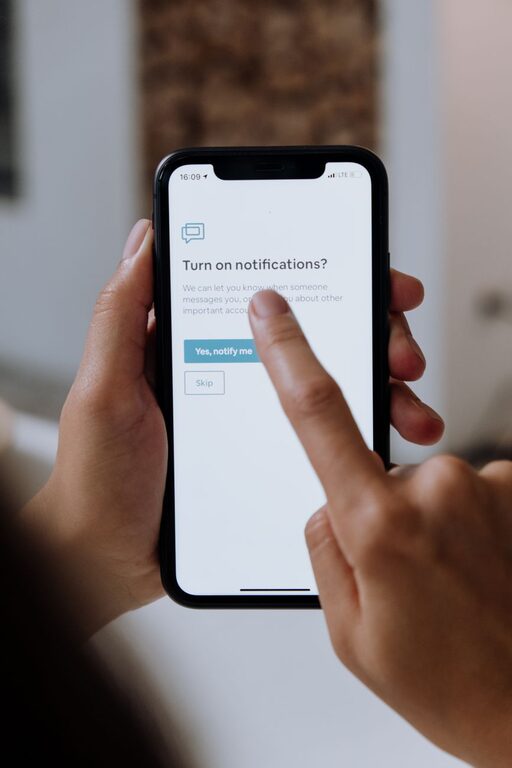
Effective Tips for Setting Boundaries with Notifications
In today’s digital world, notifications from apps, emails, and social media can easily disrupt our focus and increase stress. While staying connected is important, constantly being bombarded with alerts can hurt your productivity and well-being. Setting clear boundaries with notifications allows you to regain control over your time and attention.
This post covers practical tips on how to manage and limit notifications effectively, helping you create a healthier digital environment.
Why Setting Boundaries with Notifications Matters
Notifications serve a useful purpose by keeping us informed and reminding us of important events. However, when unchecked, they can:
– Interrupt deep work and concentration
– Increase feelings of anxiety or urgency
– Lead to compulsive checking of devices
– Reduce overall productivity and creativity
By intentionally managing notifications, you can reduce distractions, improve your focus, and enjoy better mental clarity throughout the day.
Tips for Setting Boundaries with Notifications
1. Audit Your Notifications Regularly
Start by reviewing all the apps and services sending you notifications. Ask yourself:
– Which alerts are truly essential?
– Which notifications can be turned off or minimized?
– Are there apps sending frequent, non-urgent updates?
Disabling unnecessary notifications is the first and most effective step toward less digital noise.
2. Use Do Not Disturb Mode Strategically
Most devices offer a “Do Not Disturb” (DND) mode which temporarily silences notifications. Consider:
– Activating DND during focused work periods
– Scheduling DND during meetings or family time
– Setting exceptions for important contacts or calls only
This tool helps protect your attention when you need it most.
3. Customize Notification Settings Per App
Instead of a blanket off/on approach, tailor notifications for each app based on your priorities:
– Enable only critical alerts from work apps
– Mute social media notifications during work hours
– Opt for summary emails instead of instant push alerts
Check your device’s notification settings to adjust sound, vibration, banners, and preview options.
4. Set Specific Times to Check Notifications
Rather than reacting instantly, create scheduled times to review notifications, such as:
– Checking email only in the morning and late afternoon
– Reviewing social media during breaks or after work
– Turning off notifications outside these times
Batching your digital interactions reduces constant interruptions.
5. Use Notification Management Apps
Several apps help organize and manage notifications by grouping them or setting limits, including:
– Notification summary features on iOS and Android
– Third-party apps that silence or prioritize alerts
These tools simplify handling large volumes of notifications.
6. Communicate Your Boundaries
If you work in teams or rely on frequent communication, let colleagues know about your preferred communication methods and times. Encourage:
– Using email instead of instant messages for non-urgent topics
– Scheduling calls rather than ad hoc interruptions
– Respecting do-not-disturb periods
Clear communication supports your boundary-setting efforts.
7. Turn Off Non-Essential Sound or Vibration Alerts
Many notifications include sounds or vibrations that increase disruption. Consider:
– Disabling sound/vibration for less urgent apps
– Using silent notifications or badges instead
– Keeping sound alerts for critical messages only
This approach reduces the stress caused by frequent audible interruptions.
8. Review and Adjust Boundaries Periodically
Your notification needs can change over time, so revisit your settings regularly to:
– Turn off alerts that are no longer relevant
– Re-enable important notifications if needed
– Refine your schedules and do-not-disturb times
Ongoing adjustment helps maintain a balanced digital life.
Benefits of Setting Boundaries with Notifications
When you manage notifications thoughtfully, you can expect:
– Improved concentration and productivity
– Lower stress and anxiety levels
– More meaningful interactions with people around you
– Increased control over your time and attention
Establishing these boundaries supports both your professional and personal well-being.
Conclusion
Notifications are useful but can quickly become overwhelming without boundaries. By auditing your alerts, using do-not-disturb modes, customizing settings, scheduling check-ins, and communicating with others, you can create a more balanced and focused digital experience.
Start small—disable a few unnecessary notifications today—and gradually build your personalized notification boundaries for a calmer and more productive life.